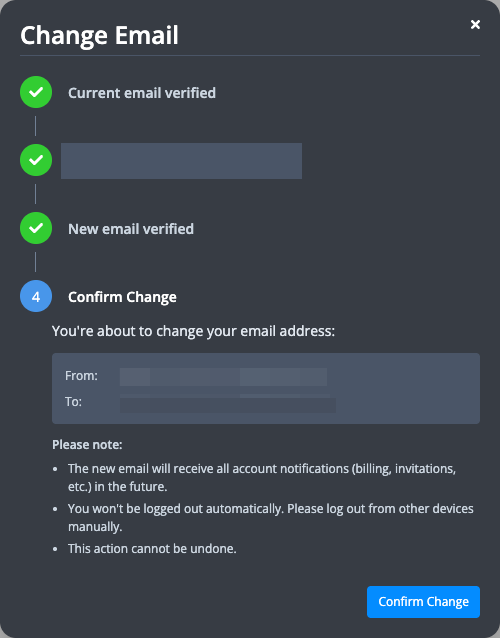
How to change email address?
You can change your email address directly in the UI:
-
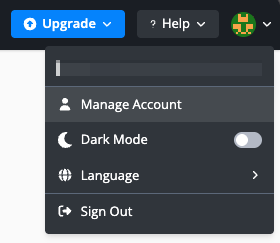
Hover over the avatar on the top-right corner and click "Manage Account" in the dropdown.
-
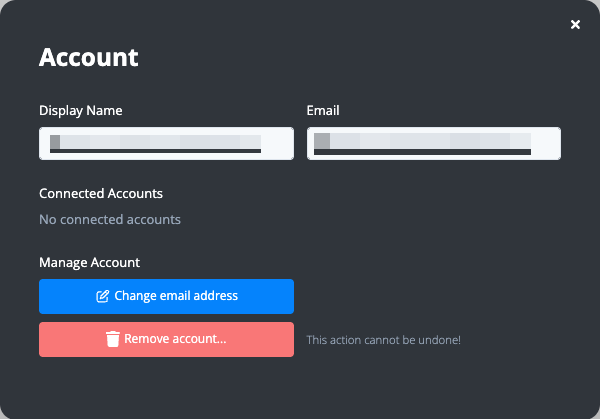
Click the "Change email address" button in the Manage Account modal.
-
Verify your current email address via OTP.
-
Enter your new email address and verify it via OTP.
-
Confirm the email address change.