Manage Your Subscription
Update payment method
You can add or update your payment method at any time:
- Switch to the corresponding workspace
- Open the Billing tab
- Click Update payment method
- Click Payment Methods, then add your payment method
For the Team plan, you can enter your payment method during the trial period. The system will automatically charge when the trial expires, so you don't need to take any further action to continue your subscription.
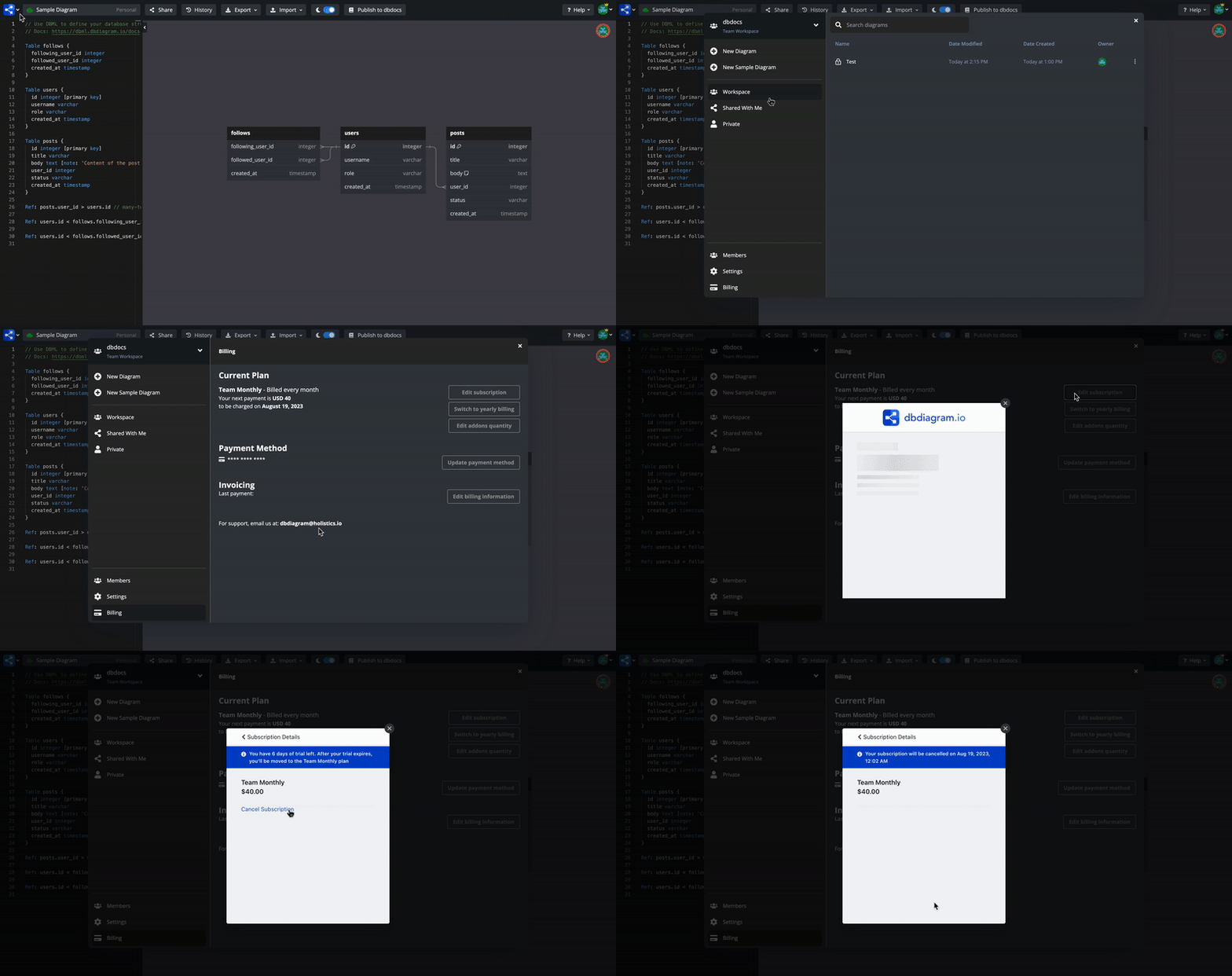
Cancel your subscription
- Switch to the corresponding workspace
- Open the Billing tab
- Click Edit subscription
- Click the plan card to cancel the subscription
note
After cancellation, your subscription remains active until the end of the current billing period. Your diagrams are preserved, but Pro/Team features will become unavailable once the period ends.
Subscription add-ons
Extra team member licenses
To invite more members to a workspace on the Team plan, you may need to purchase additional member licenses. You can adjust the number of seats by editing your subscription:
- Switch to the corresponding workspace
- Open the Billing tab
- Click Edit subscription
- Update the number of team seats
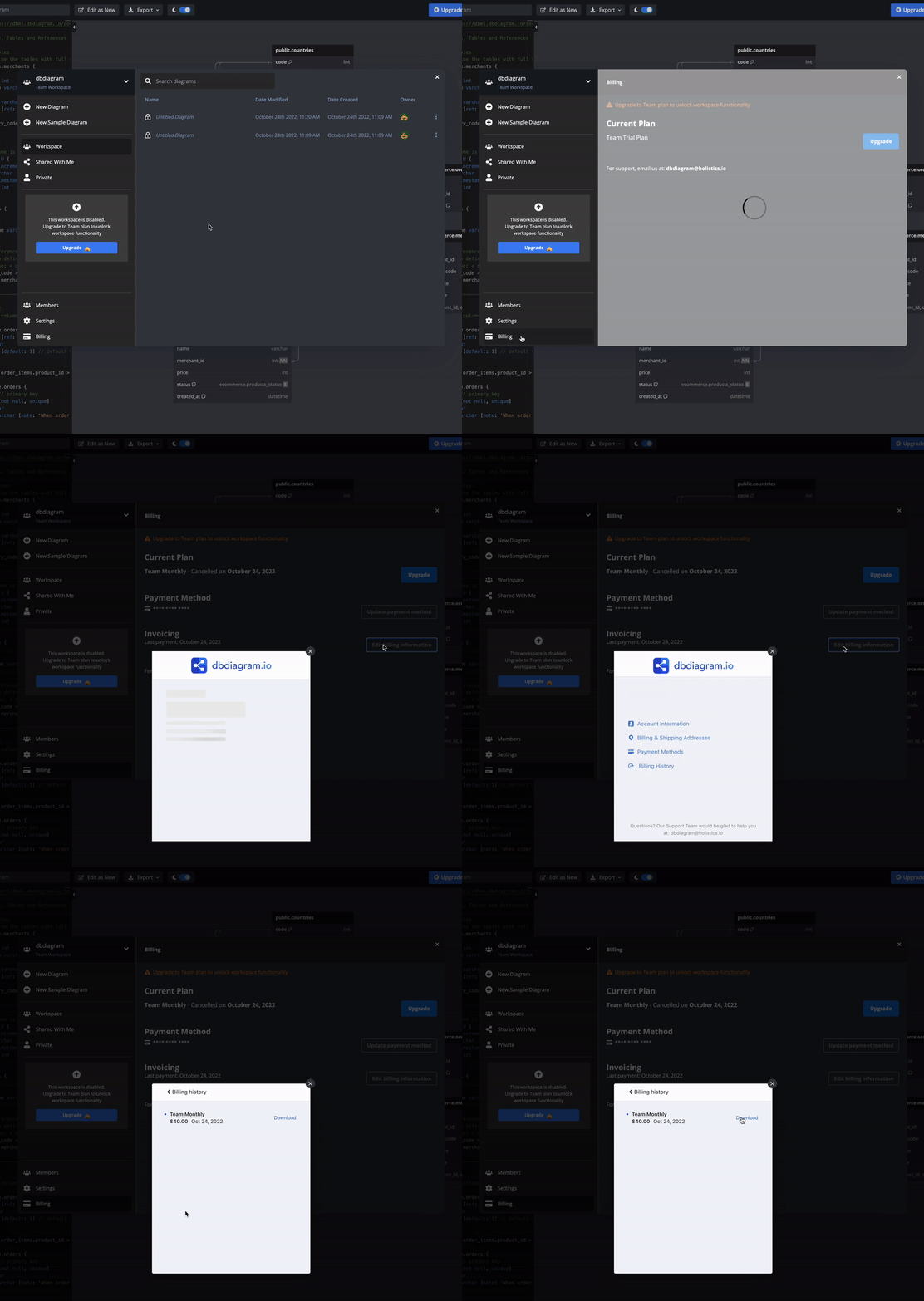
Download your invoices
- Switch to the corresponding workspace
- Open the Billing tab
- Click Edit billing information
- Click Billing History to download your invoices