35 posts tagged with "dbdocs"

View All Tags

✍️ Allow others to edit your projects

We heard you. It has been lonely and challenging since you are the only person who can publish or update your database documentation. So we’re making it better.

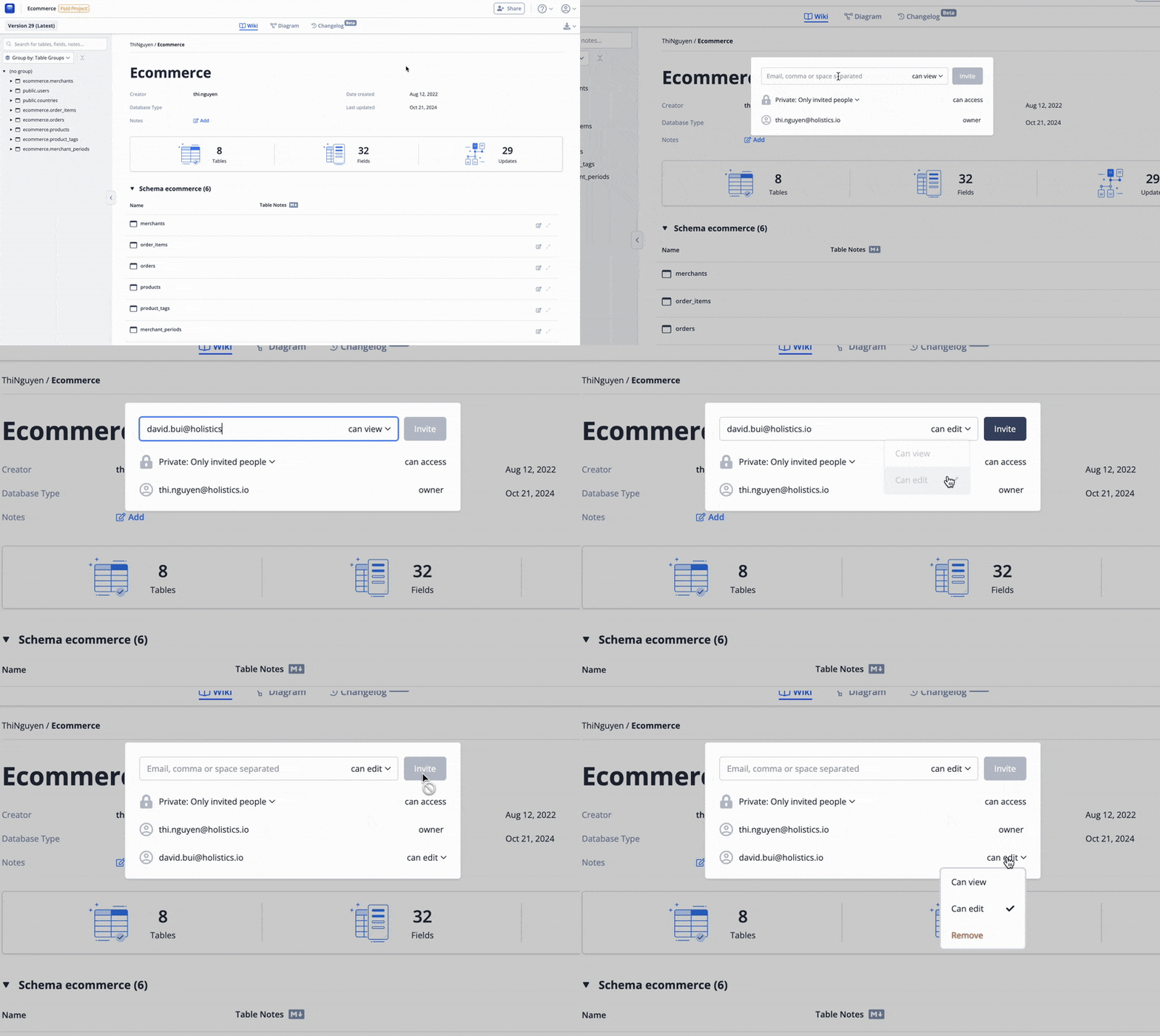
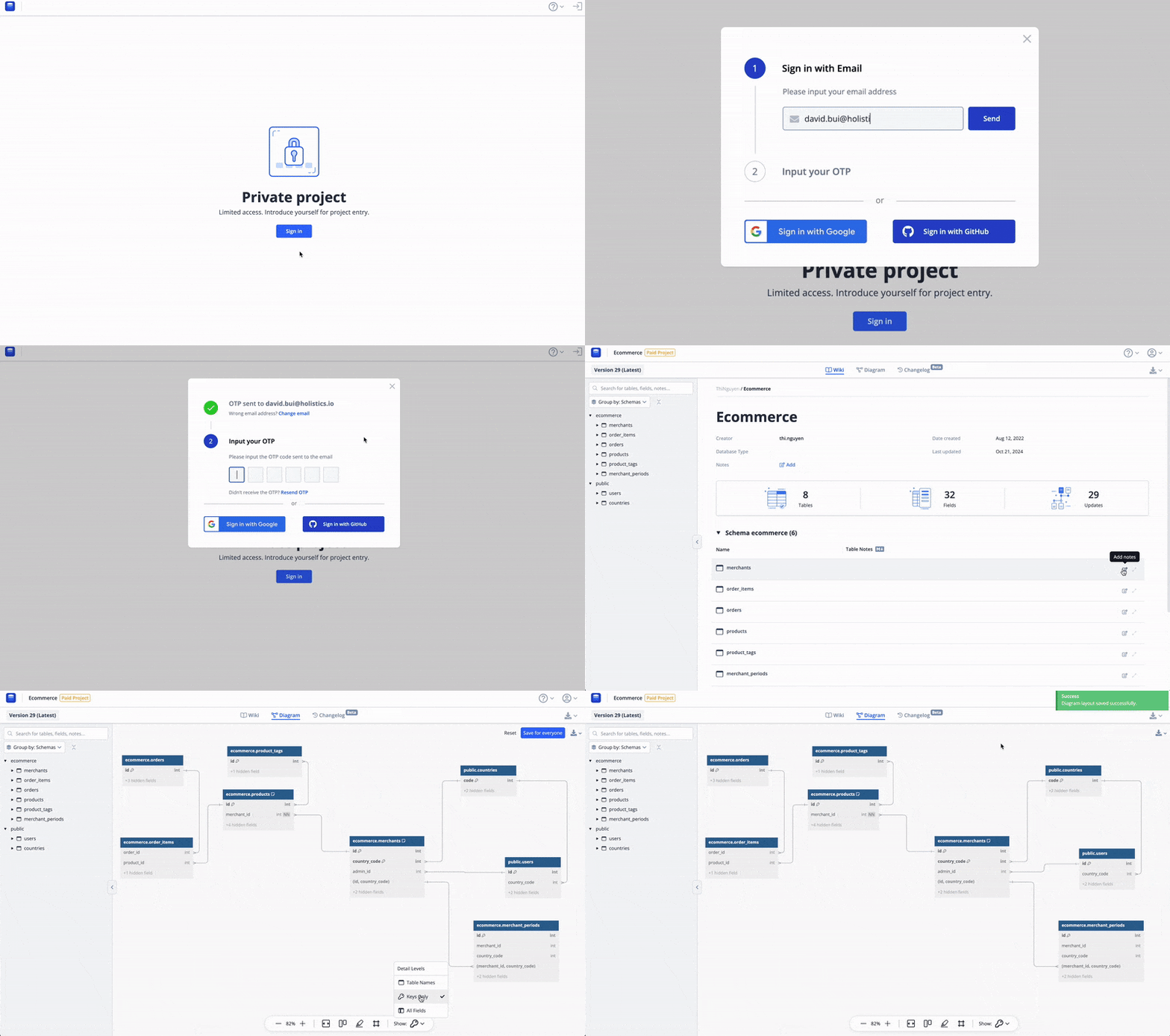
Starting today, you can allow others to contribute to your projects by inviting them with β€œedit” permission.

Invite people with edit permission

Project editors will be able to:

  • βœ… Publish changes to invited projects via dbdocs CLI with command:
    dbdocs build <dbml file path> --project <username>/<project name>
  • βœ… Edit Markdown notes and diagram layouts directly on the document project page.

Project editor

This feature is included as part of our β€œShare with invited users” paid feature.

We believe this enhancement will greatly improve your database documentation and look forward to yourΒ feedback.


🎨 Support Notes & Color for Table Groups

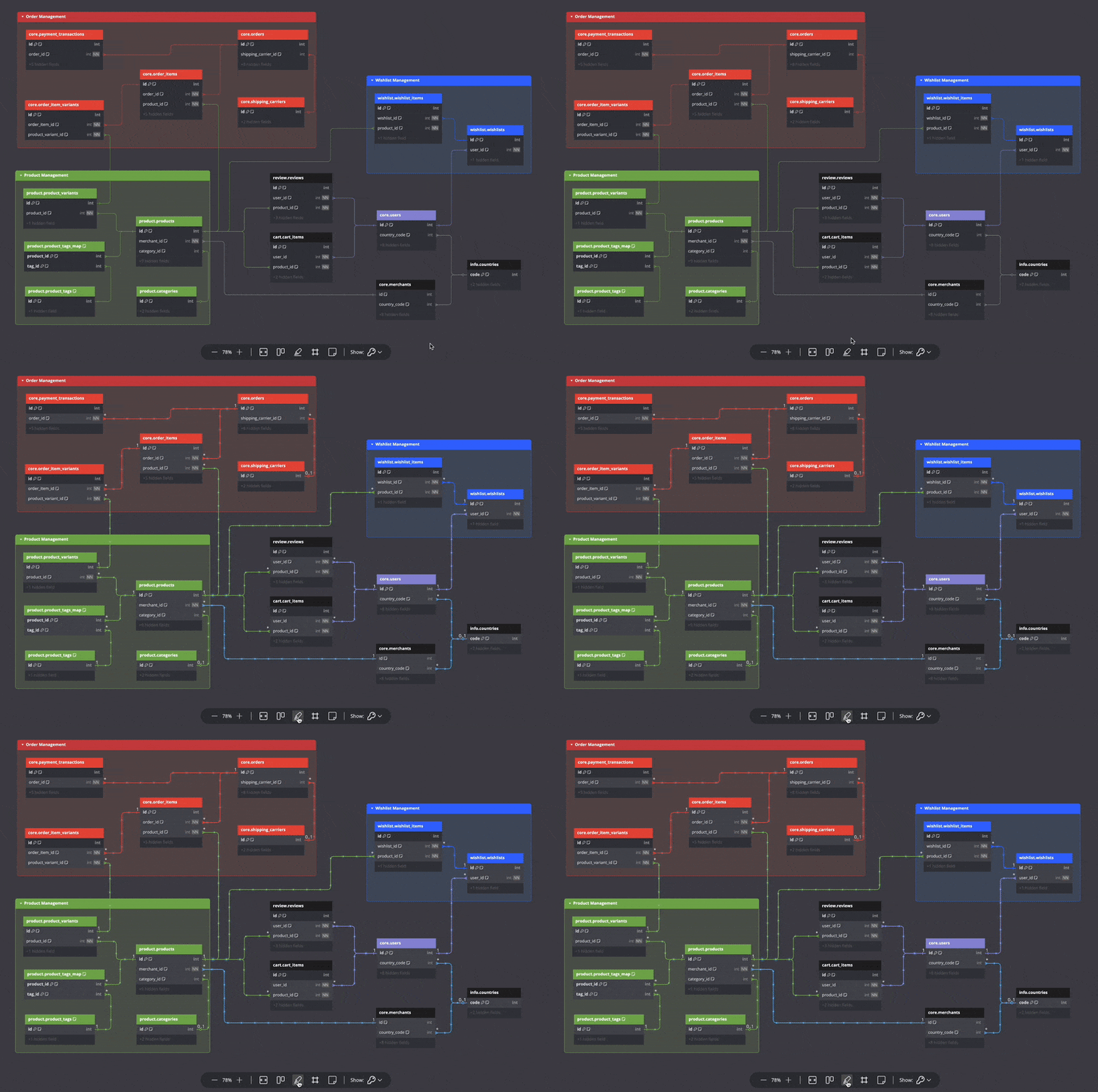
You can now set customized colors and add notes to table groups.

Table Group Notes and Color

Table Group Color​

No more boring, grayed-out table groups that are difficult to spot when zoomed out, as you can now make them more colorful and distinct.

You can directly pick a color for your table group in the UI or use the following coding syntax:

TableGroup "Order Management" [color: #E74C3C] {
...
}

Select color for table group

Table Group Notes​

Add Markdown descriptions for table groups to provide extra information, such as their purposes, specific details about child tables, and so on.

To add notes, use the following syntax:

TableGroup "User Wishlist System" [note: 'Manages the user wishlist functionality'] {
...

// or use multi-line string to define Markdown content
Note: '''
This group manages the user wishlist functionality.
- wishlists: Stores user-specific wishlists.
- wishlist_items: Contains items added to each wishlist.
'''
}

Add notes to table group

Both features are available as part of our paid Table Group feature set.

We believe this enhancement will greatly improve your database designing experience, and we look forward to yourΒ feedback.


βš™οΈ Generate DBML from Direct DB Connection

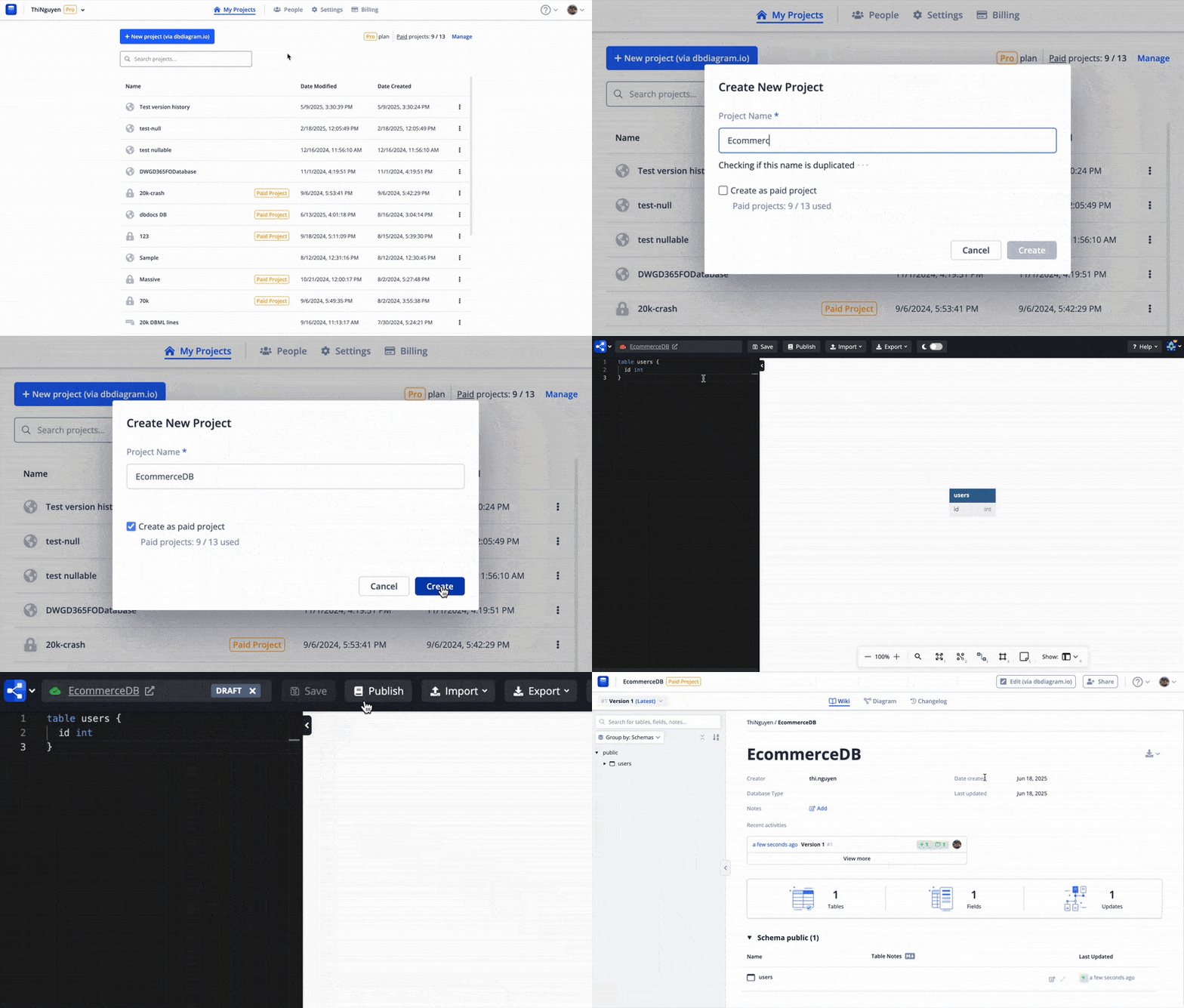
Our new db2dbml CLI command now allows you to generate DBML code directly from your database. This feature simplifies the database visualization process so that you can focus solely on designing new database structures for your new features. Generate DBML from database

Make sure to use the Import > From Database Connection (via CLI) option to get a detailed guide for your database type: Generate DBML from database

Here is how we use db2dbml (included in dbdocs CLI) to generate DBML and create a database documentation project in dbdocs: Generate DBML from database

Is it safe to allow dbdocs CLI to connect to my database? Yes

  • Everything runs on your local machine, and the database credentials are not tracked or sent anywhere.
  • The database connection is secured.
  • The code is open source from the @dbml/cli & @dbml/connector packages and can be checked here.

Supported databases: PostgreSQL, MySQL, MSSQL, Snowflake, BigQuery.

Please give this feature a try andΒ let us knowΒ what you think.


πŸ› Schem️a Changelog: Track your database schema changes easily

schema-changelog

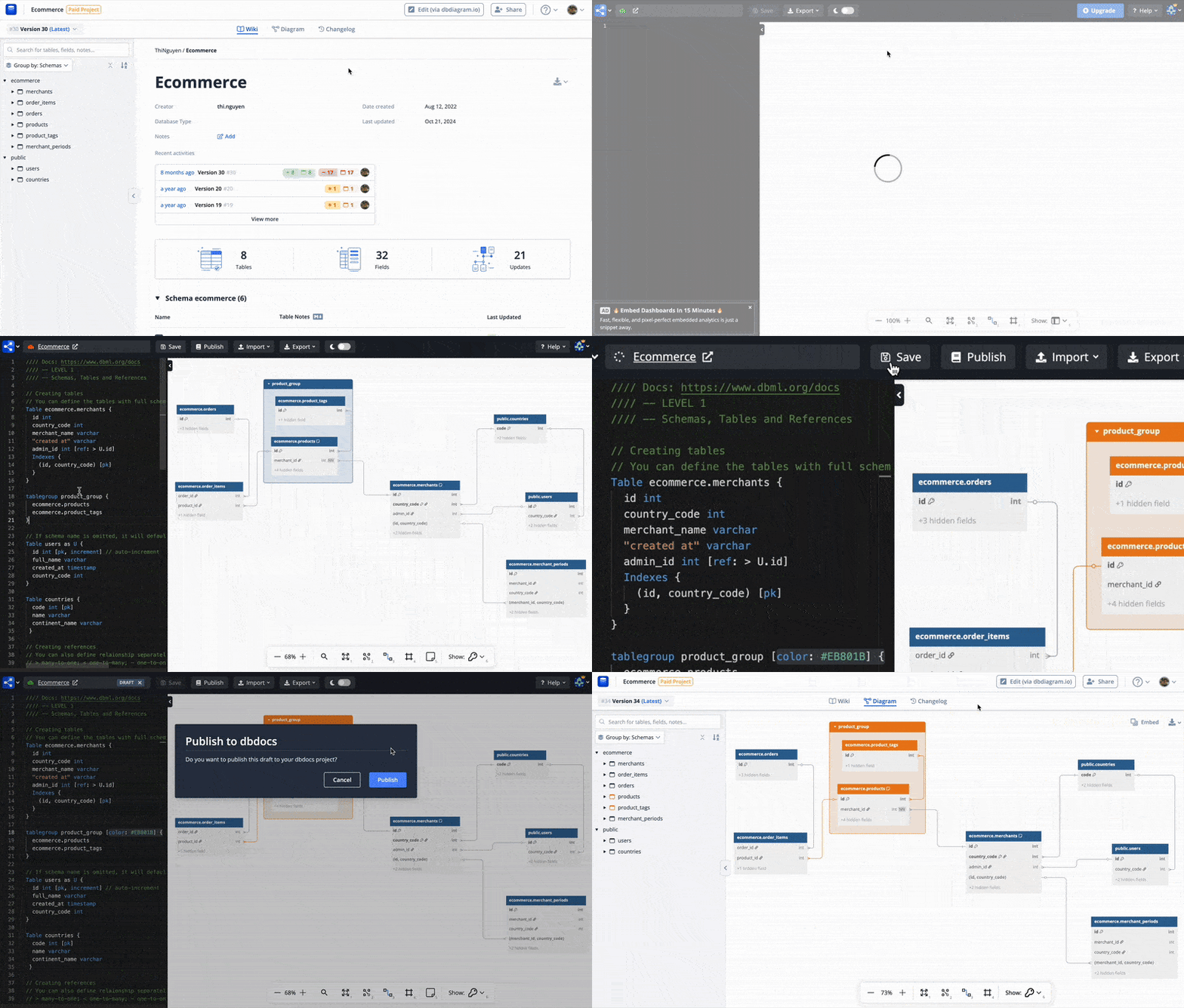
Database schema changes happen frequently and over long periods of development, often without a clear record of what changed or why. This makes it challenging to trace issues or understand the evolution of your schema.

Introducing Changelog – a powerful new feature within dbdocs that lets you track and view all updates to your database schema. See who made changes, what was updated, and when it happened. With versioning and detailed notes on modifications, you can easily identify the root cause of issues and keep your team informed.

schema-changelog-feature-walkthrough

🎬 Watch this video! 🍿

Stay on top of your database changes with Changelog in dbdocs. Read the doc here.

This feature is currently in beta phase and available to all dbdocs users, including free and paid tiers only during this phase.


πŸ“ Built-in Markdown Editor for table/field notes

Markdown-supported notes are highly useful in helping document readers understand database structures. However, creating great documentation is tough and time-consuming because it necessitates rebuilding the entire project whenever you wish to add a useful explanation to a table or field.

Today, we are pleased to announce our built-in Markdown Editor for table/field notes, which will make documentation writing easier.

Here are some highlights of the feature:

  • βœ…Β Quick and easy way to add helpful descriptions to existing documentation.
  • βœ…Β Inspired-by-WYSIWYG editor, friendly with non-technical users without Markdown syntax knowledge.

Markdown Editor

This feature is available to all dbdocs users, both free and paid. Feel free to give it a try andΒ let us knowΒ what you think.

Thank you for your continued support and trust in our products.