πŸ“– Support Markdown for table/field notes

dbdocs

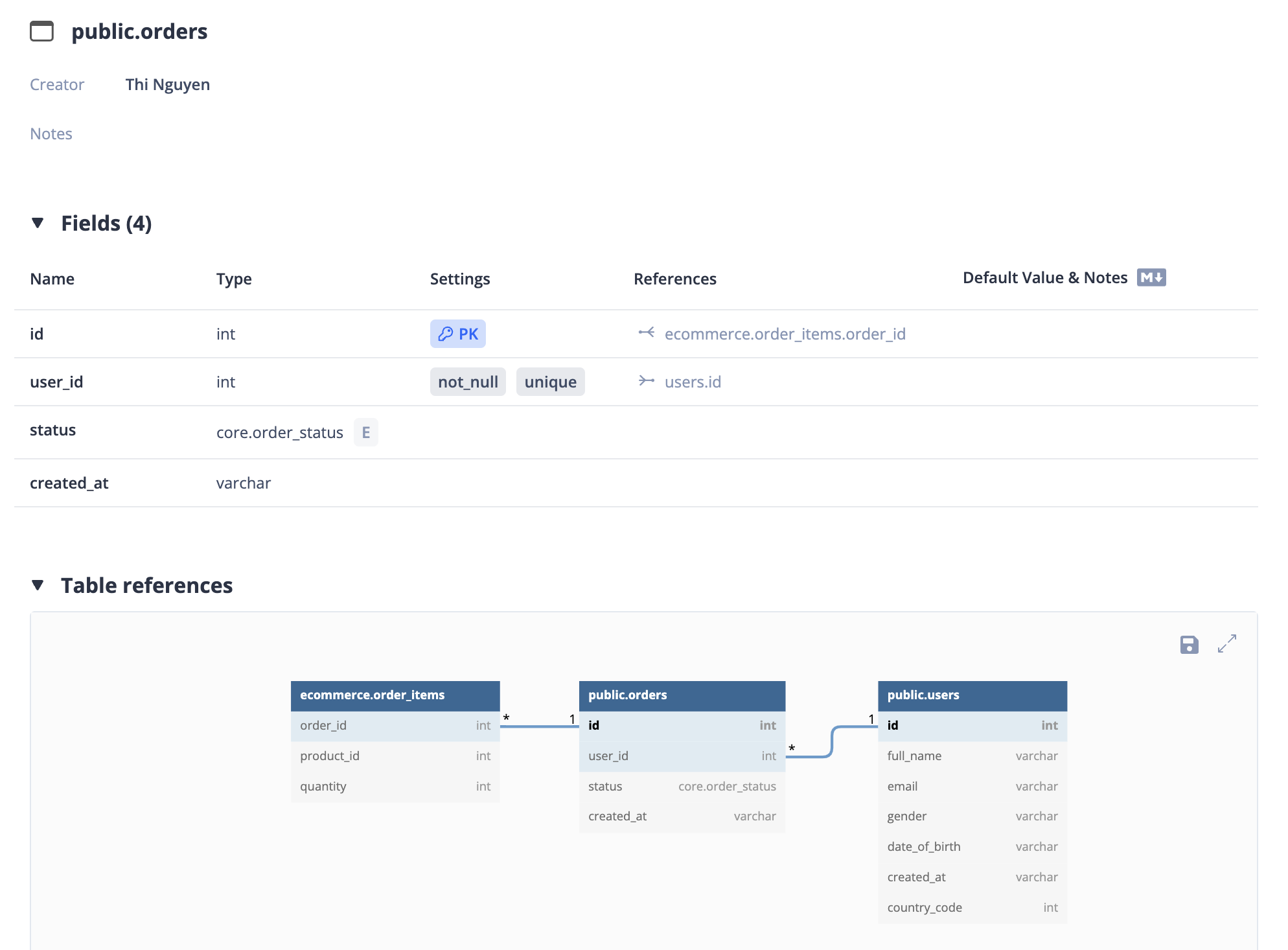
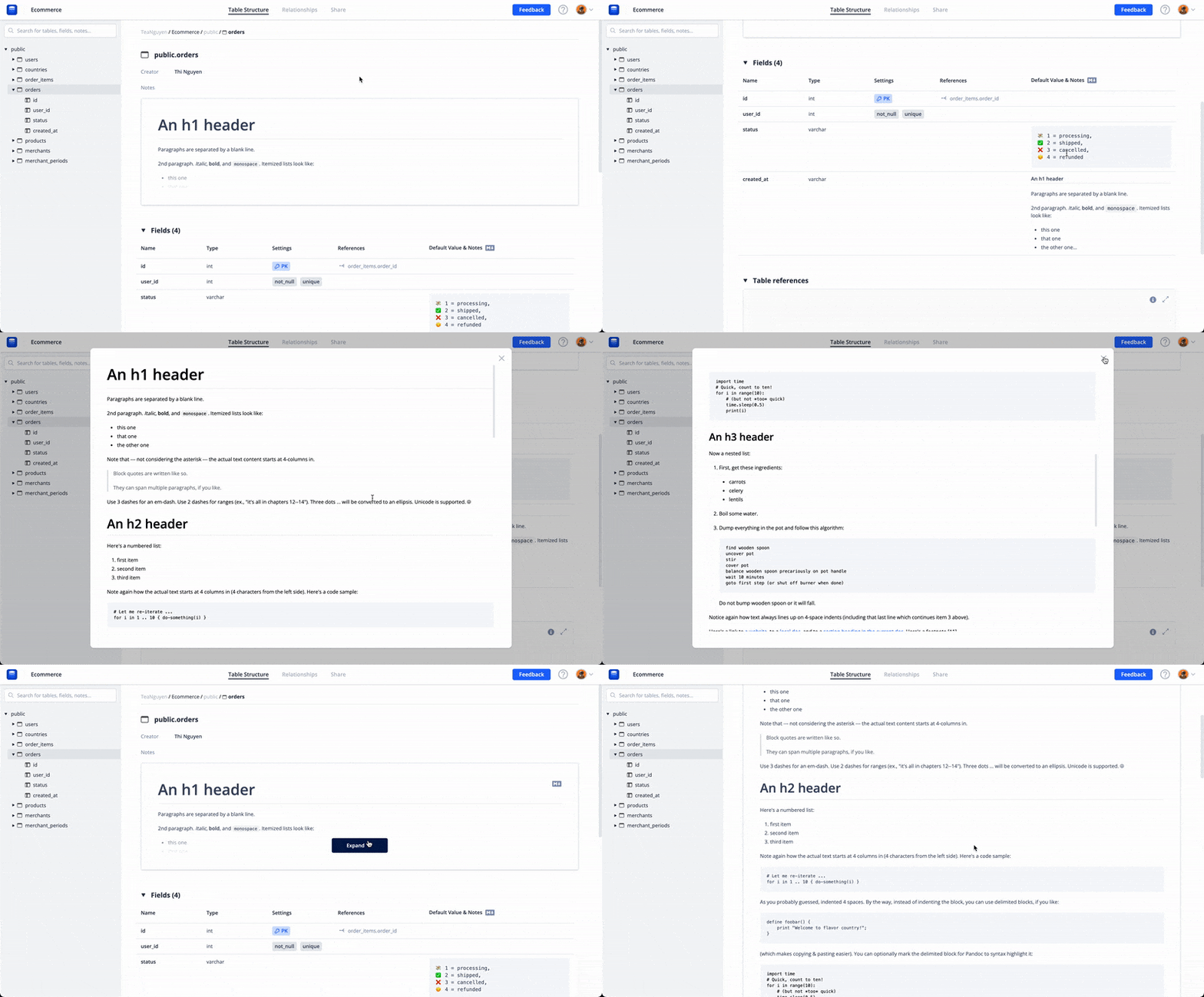
The recent outbreak in our country is severe, but that doesn't stop us from improving dbdocs. This time, we bring you the Markdown support for the notes of tables & fields.

Now you can restructure your notes by styling your texts, adding code blocks for database scripts, related links, and so much more.


πŸ“’ 2021 Q3 Updates

dbdiagram

Winter is coming. Therefore, this is our preparation:

Upcoming

  • Collaboration

Improvements

  • Support reactivate the subscription
  • Add confirmation for users to keep or discard the local draft on their last session diagram
  • Replace "Load Sample" with "New Sample Diagram" to reduce loss diagram content chances

Bug fixes

  • Fix critical bug that overrides the diagram
  • Fix bug make "Upgrade to PRO" pop up too many times
  • Prevent non-owners from indirectly changing the code by dragging & dropping to create relationships
  • Fix icon mismatch after setting a diagram to private or password protected

πŸ—ƒ Project list

dbdocs

Manage better & view all your database projects via new project list views.

Simply run the dbdocs ls command on the dbdocs CLI version 0.6.1

Or open your organization page by selectΒ "My Projects"Β in the account dropdown menu


πŸ’Ύ Save diagram's table positions

dbdocs

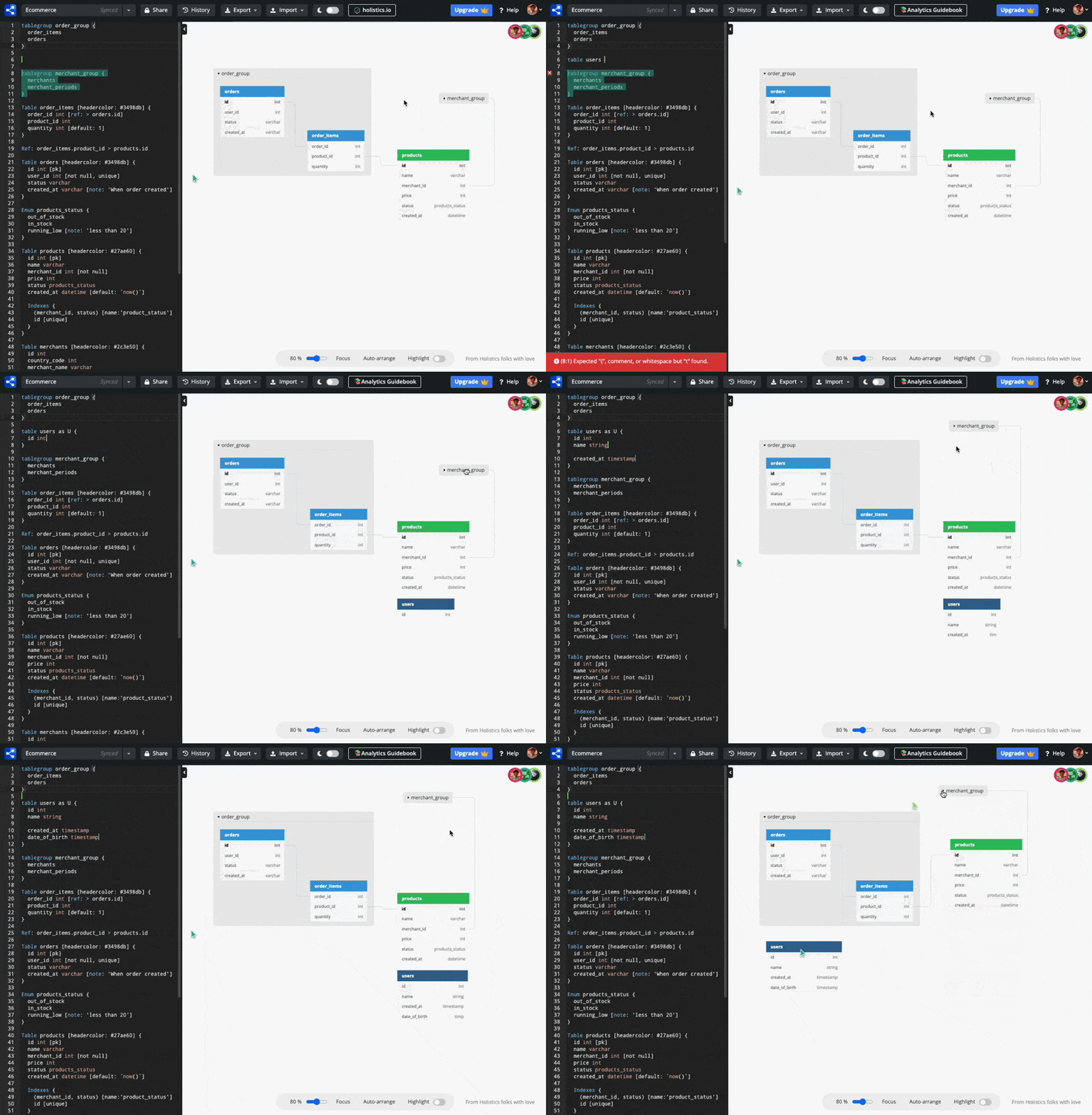
Your savior, a.k.a save diagram's table positions, is here!

It's very time-consuming before to always move tables around at the beginning of each session.

Now you can sign in & modify the diagram's table positions in your projects. Then every time you & your guests visit, the arrangement in diagrams will stay still.


πŸ“¦ Composite foreign key

dbdocs

Due to the dbml syntax gap between our dbdocs & dbml/core, users couldn't use the composite foreign keys.

Guess what? Now you will have the ability to document relationships with composite keys, like the example below:

Ref: merchant_periods.(merchant_id, country_code) > merchants.(id, country_code)