🎨 Support Table Header Color and Table Group

dbdocs

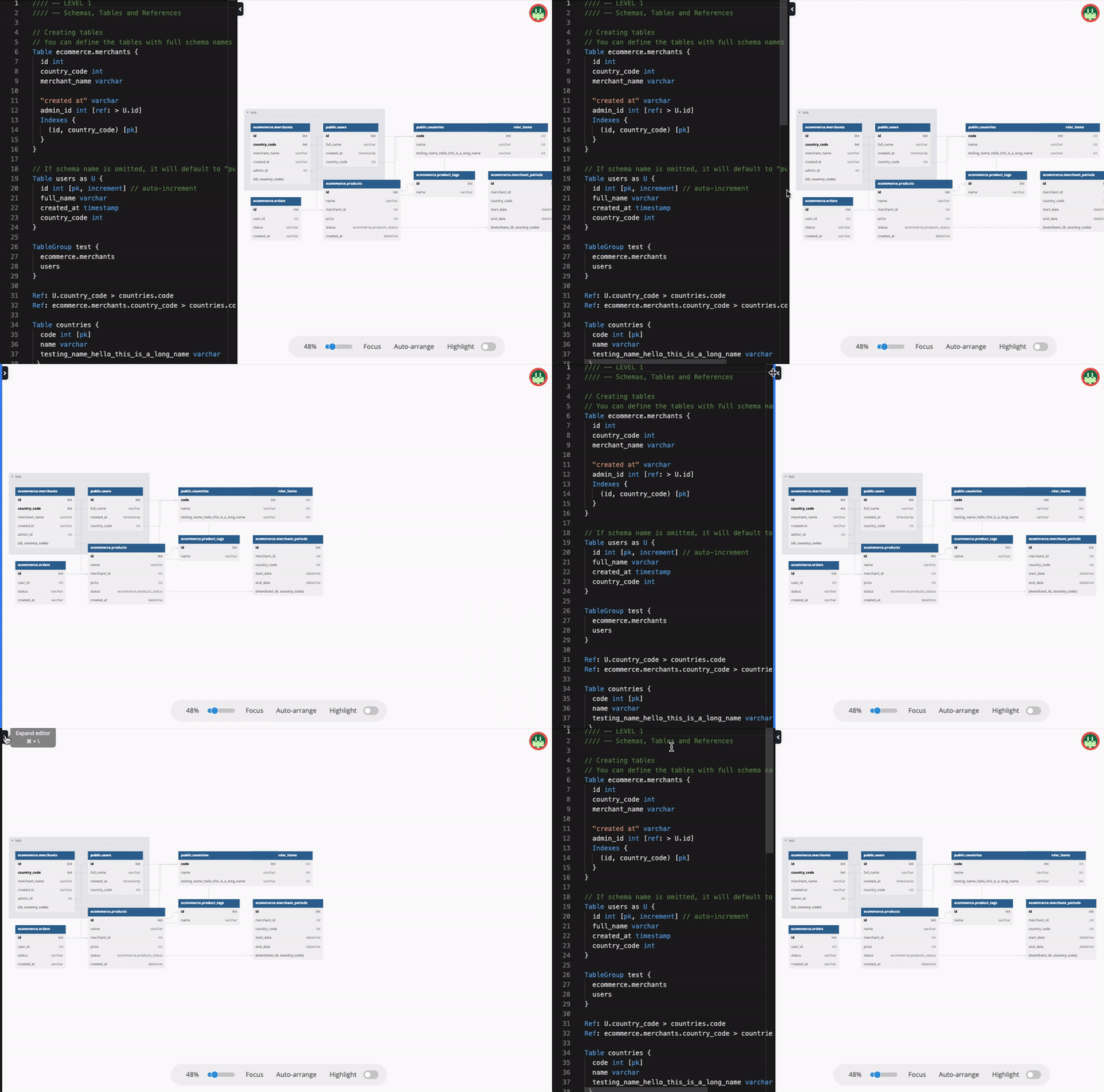
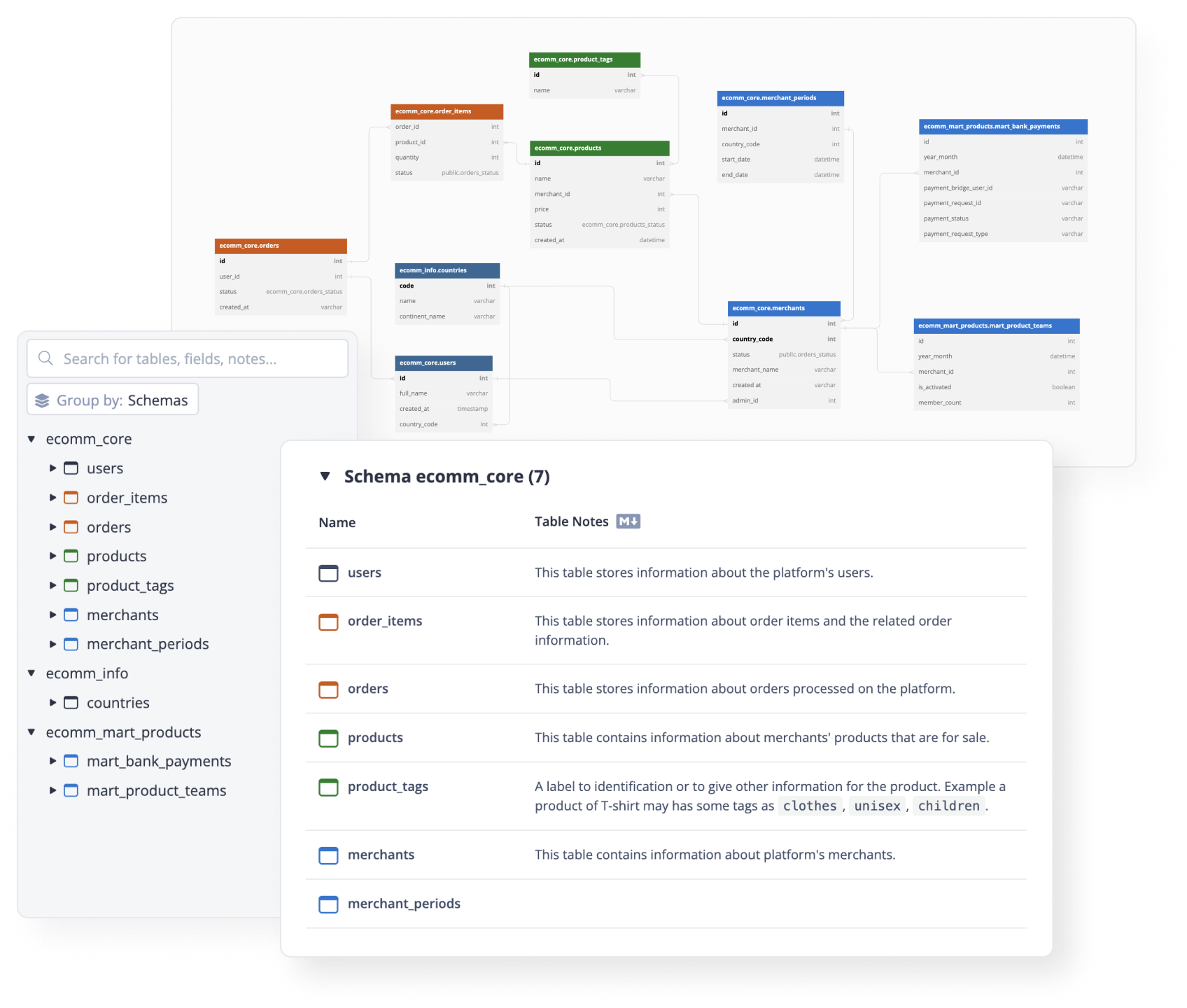
We heard you! Table Header Color and Table Group are now available in dbdocs! These two are well-loved features in dbdiagram, and are most requested by our dbdocs community.

With this, you can add a custom color to your table headers and group tables together to better organize your data models.


Table Header Color​

Choose a custom header color for each of your tables! This allows you to differentiate between tables and create more visually appealing documentation.

To set the header color for a table, use the following syntax:

Table ecomm_core.products [headercolor: #087f23] {
...
}

Table Group​

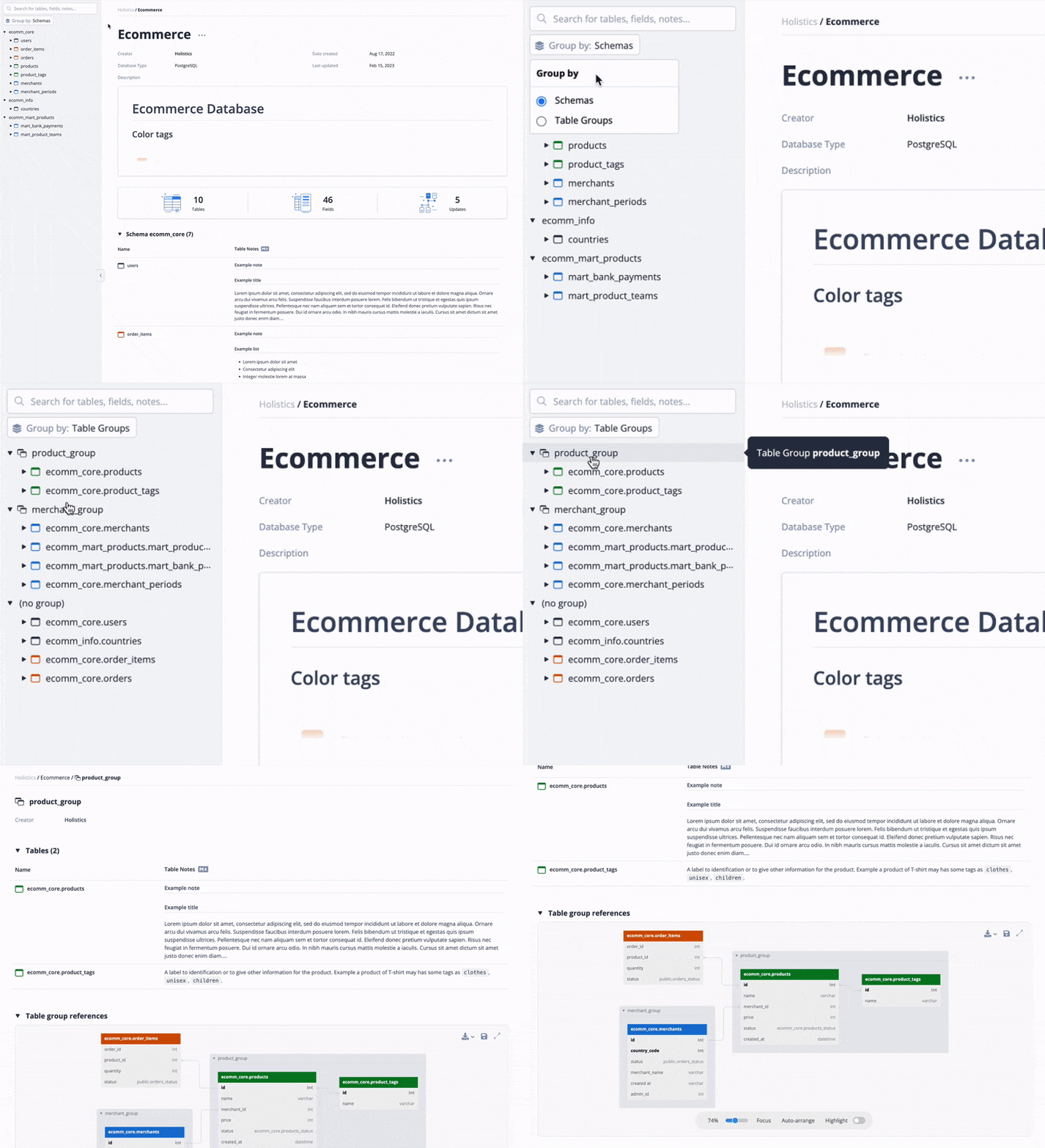
Group tables together into categories! Keep your data models organized and maintain clean, clear documentation.

To group tables, use the following syntax:

TableGroup product_group {
ecomm_core.products
ecomm_core.product_tags
}

These features are immediately available for everyone. However, similar to dbdiagram, they might be moved to a paid offering when we introduce paid plans in dbdocs in the future.

Give them a try and let us know what you think!


πŸ“‹ Customizing Table/Field Notes with Markdown

dbdiagram

To enrich your table/field descriptions, you can now use Markdown syntax to present code blocks, sample data tables, related URLs, and so on.

On the other hand, by changing the way we display notes (in a separate popup), we hope you will find it easier to read long notes that were previously narrowed in small tooltips.

Before: Old Table Notes|100x50

After: New Table Notes with Markdown supported|690x379

Feel free to share your thoughts about the feature on our community.


πŸ’Ό Team Pricing Plan

dbdiagram

We’ve kicked off the year 2022 with the ability for individuals to collaborate in real-time with others. After hearing a lot of encouraging comments from users, we decided to introduce the Team Pricing Plan with Team features in order to make the team collaboration experience even more seamless.


You can start your 7-day Team Plan Trial by making a brand-new workspace for your team in the "My Workspaces" window.

More information about the Team Plan can be found on our pricing page.
You can also read up on Workspaces in our documentation.


πŸš€ Team Workspace - Team features

dbdiagram

Collaborate with your colleagues. Manage team's diagrams all in one place.

By collaborating on a team workspace, your team will be able to:

  • Have a central place for your whole team to store, access, and share database diagrams. team-workspace-diagrams

  • Invite and manage your teammates in one workspace, and allow them to take advantage of the Team plan’s benefits. invite-people-to-team

  • Easy to manage diagram access of guests and teammates. manage-diagram-access


πŸ–Ό Export Diagrams as PNG/PDF

dbdocs

Today, our team is bringing in a new feature: Diagram Export. Users now have the option to download their diagrams as PDF and PNG files.

Simply hover on the download button at the top-right corner of diagram views, then choose either PDF or PNG as your desired format.

Feel free to show some love or feedback in the feature announcement on our community.